Sound familiar?
What's actually going wrong
The specific symptoms we see most often.
Works in preview, fails in production
The in-browser WebContainer environment Bolt runs on doesn't always match your actual deploy target, so a working preview is no guarantee of a working build.
Failed or partial deploys
The build succeeds locally but the deployed version 404s on routes, serves stale assets, or fails silently with no clear error in the host's logs.
CORS errors after going live
API calls that worked in the sandboxed preview get blocked once your frontend and backend are on separate real domains with no CORS config to allow it.
Environment variable mismatches
Keys and URLs baked in during preview don't carry over automatically, so the deployed app quietly points at the wrong API, database, or third-party service.
Dependencies that behave differently outside the sandbox
A package that works in Bolt's constrained environment can behave differently — or fail to install at all — on a standard Node hosting environment.
Why this happens
Bolt.new runs your app in an in-browser sandbox (WebContainers), which is genuinely impressive for instant iteration but is not the same runtime as your production host. Anything sensitive to Node version, filesystem behavior, or real network CORS rules can pass in the sandbox and fail the moment it's deployed for real.
The fix is rarely a rewrite — it's usually a short list of deploy-specific issues: environment variables, CORS headers, and build configuration that were never verified outside the sandbox because there was never a reason to until now.
What we do about it
Reproduce the deploy on your actual target host
We build and deploy it ourselves so we see the real error, not a secondhand description of one.
Fix environment and CORS configuration
Correct environment variables per environment, and CORS headers set on the actual backend serving your API.
Resolve dependency and build issues
Anything that behaved differently outside the sandbox gets pinned, patched, or replaced.
Confirm a clean deploy end to end
Fresh install, fresh deploy, real domain — checked before we call it fixed.
Related case studies
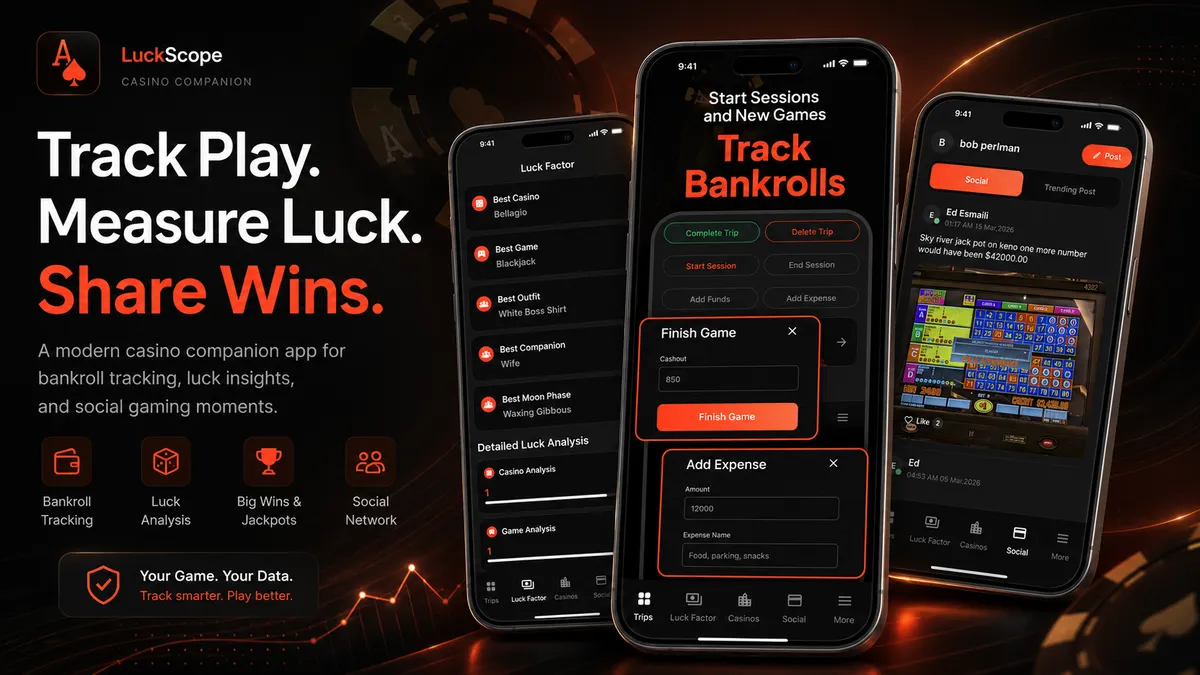
Recent work from the same team.
What clients say
Direct quotes from founders we've worked with — added as they come in.
“He significantly improved the performance and smoothness of my app, and the quality of his work is outstanding. He is reliable, professional, and always willing to find the best solution.”
mariusz100
Long-term Fiverr client · Poland
“Abdullah did an exceptional job updating and improving my project. They understood exactly what I needed, paid great attention to detail, and delivered high-quality work beyond my expectations.”
howeasyymp
Fiverr client · Cyprus
“Each stage is completed reliably, quickly, and with full professionalism. You can trust him with any task — it will be done well. Communication is smooth, clear, and never a problem.”
mariusz100
Repeat Fiverr client · Poland
Frequently asked questions
What founders usually ask before reaching out.