App Store & Play Store rejections
App Rejected? We'll Diagnose It and Fix It.
The rejection email quotes a guideline number and explains almost nothing. Most rejections get resolved in one or two focused resubmissions once someone addresses the actual guideline instead of guessing — that's what this is for.
Sound familiar?
What's actually going wrong
The specific symptoms we see most often.
Guideline 4.2 — Minimum Functionality
Apple thinks your app doesn't do enough to justify existing outside a browser, or it looked unfinished — empty screens, "coming soon" placeholders — at review time.
Guideline 2.1 — App Completeness
The app crashed or a flow failed during review, often because it was only tested on a dev machine, not a clean device.
Guideline 2.3 — Accurate Metadata
Screenshots or descriptions show features that don't exist in the current build.
Guideline 5.1 — Privacy
Missing privacy policy URL, undeclared data collection, or no account deletion path for apps with login.
Guideline 3.1 — Payments
Digital content sold outside Apple's in-app purchase system.
Play Store Data Safety mismatches
Google's Data Safety form not matching what the app actually collects — the single most common Play Store rejection cause.
Why this happens
A large share of first submissions get rejected, including apps from experienced teams — App Review is a checklist process, not a judgment of your business. Apple and Google fail apps for different reasons and respond to different fixes: Apple responds to reviewer notes and demo videos, Google responds to your declared metadata matching observable app behavior exactly. Treating both submissions as one checklist is a common mistake.
If your app has been rejected three or more times, the pattern is usually the product, not the paperwork — that's the point where a proper audit is worth more than another guessed resubmission.
What we do about it
Read your actual rejection message and app
We diagnose the real guideline being triggered — not a generic checklist — by reading your specific rejection and testing the specific build.
Fix the underlying issue, not just the symptom
Native capabilities for 4.2, crash fixes for 2.1, corrected Data Safety declarations for Play Store — matched to your actual rejection.
Prepare the resubmission properly
Demo account, realistic sample data, and clear reviewer notes stating exactly what changed and where to find it.
Run the pre-submission checklist before you resubmit
Fresh-install test, no placeholders, privacy policy live and accurate, payments audited — the same gate we run on every app we submit.
Related case studies
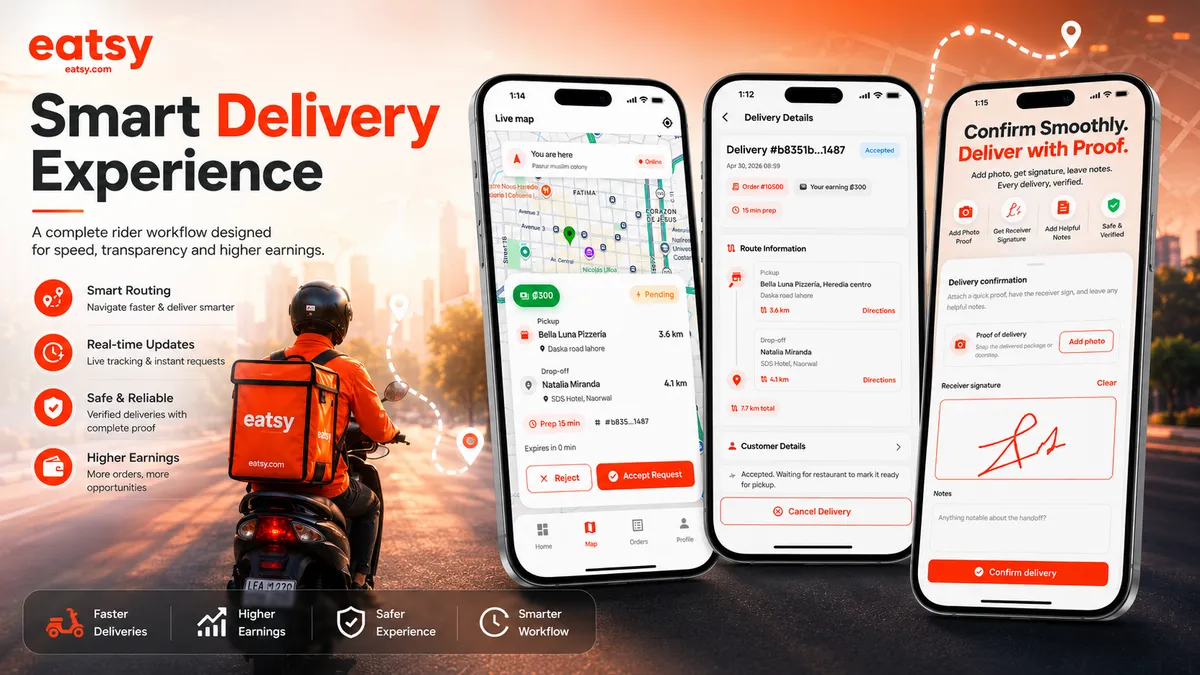
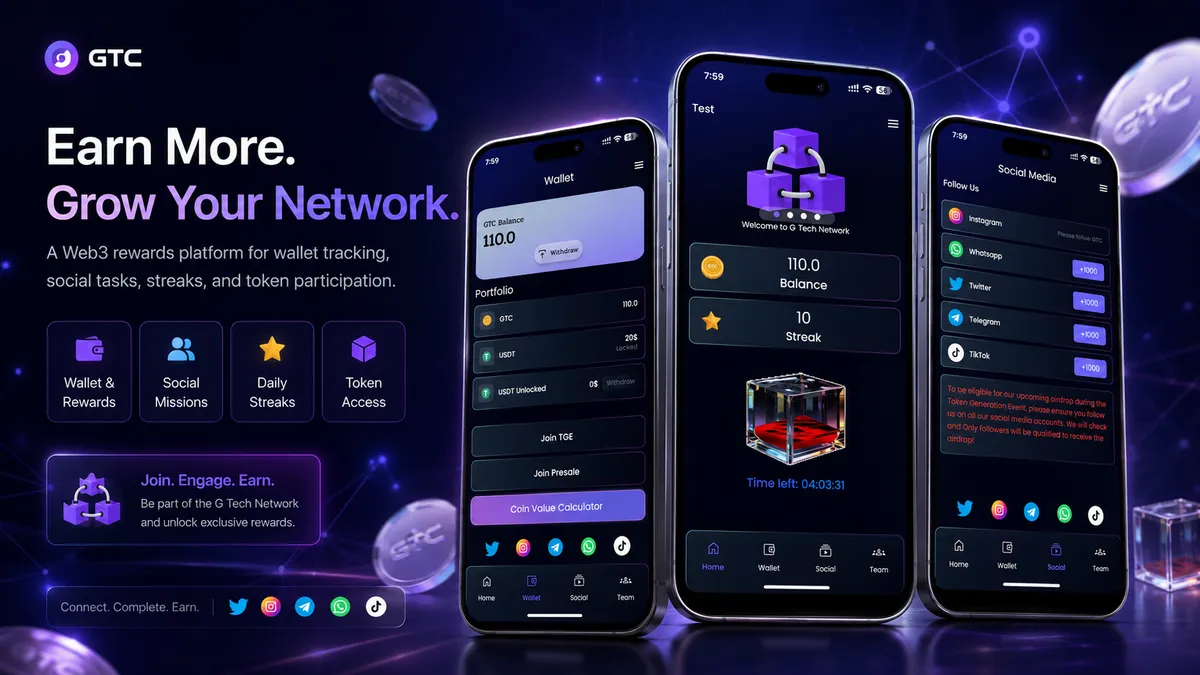
Recent work from the same team.
What clients say
Direct quotes from founders we've worked with — added as they come in.
“He significantly improved the performance and smoothness of my app, and the quality of his work is outstanding. He is reliable, professional, and always willing to find the best solution.”
mariusz100
Long-term Fiverr client · Poland
“Abdullah did an exceptional job updating and improving my project. They understood exactly what I needed, paid great attention to detail, and delivered high-quality work beyond my expectations.”
howeasyymp
Fiverr client · Cyprus
“Each stage is completed reliably, quickly, and with full professionalism. You can trust him with any task — it will be done well. Communication is smooth, clear, and never a problem.”
mariusz100
Repeat Fiverr client · Poland
Frequently asked questions
What founders usually ask before reaching out.